A Tribute to Discomfort: Insights from National Geographic Photographer Cory Richards [VIDEO]
Sweat for your craft. Beauty entails its opposite.










A Tribute to Discomfort: Insights from National Geographic Photographer Cory Richards [VIDEO]
Sweat for your craft. Beauty entails its opposite.
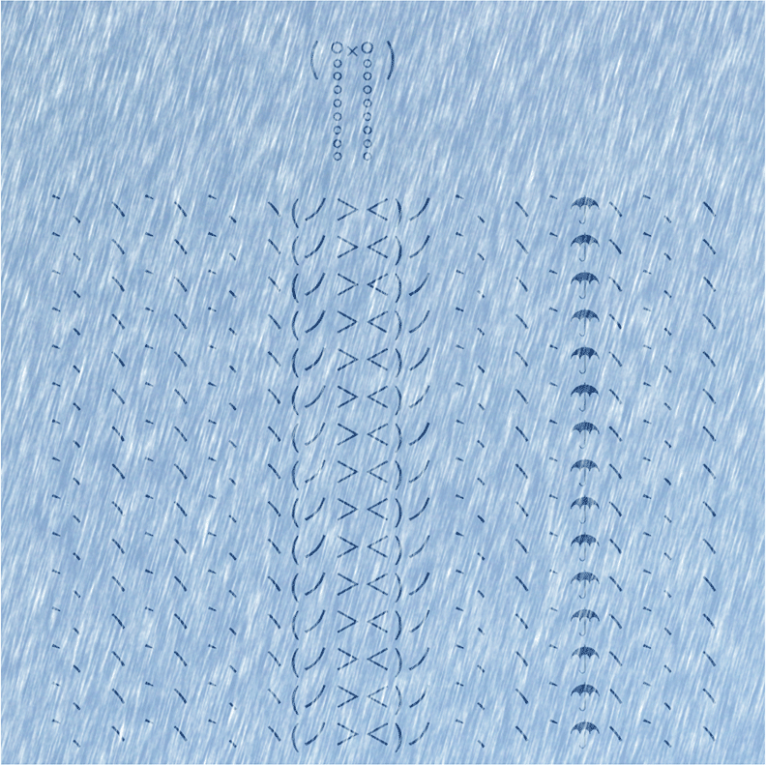
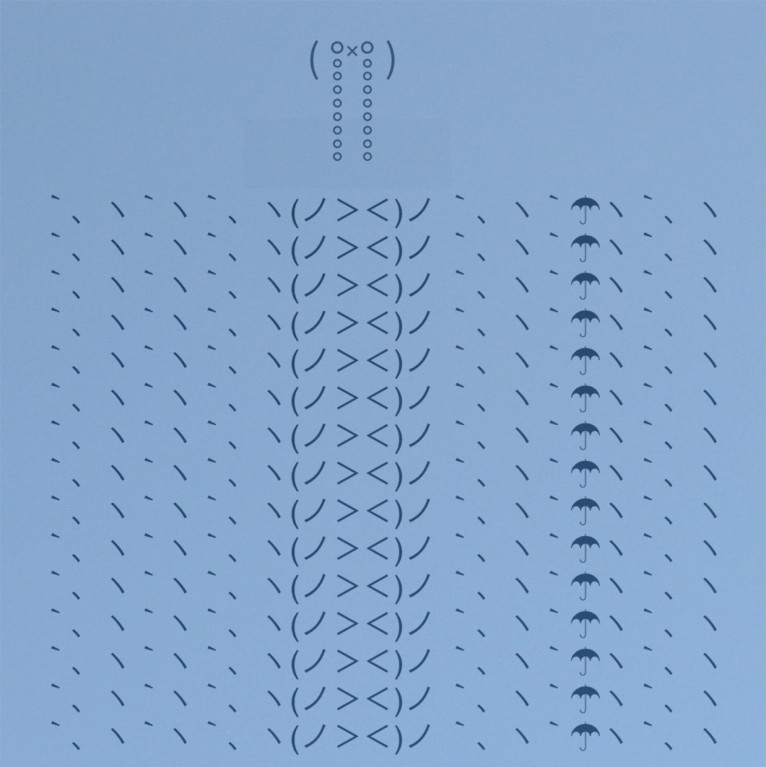
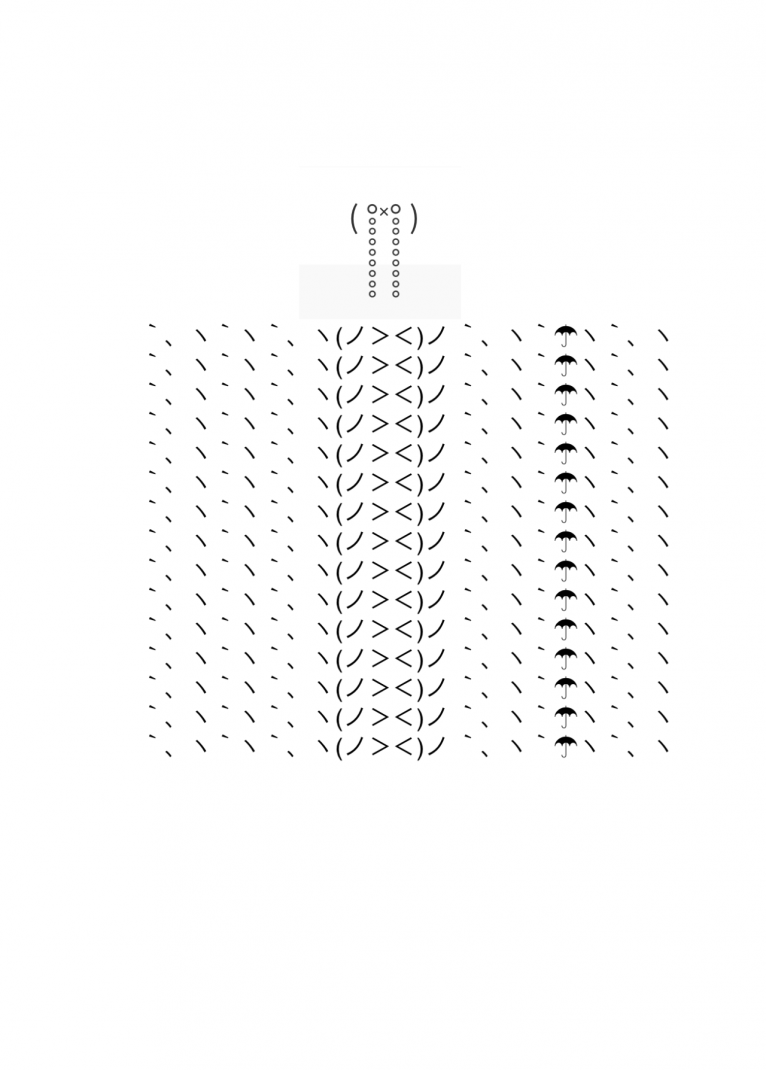
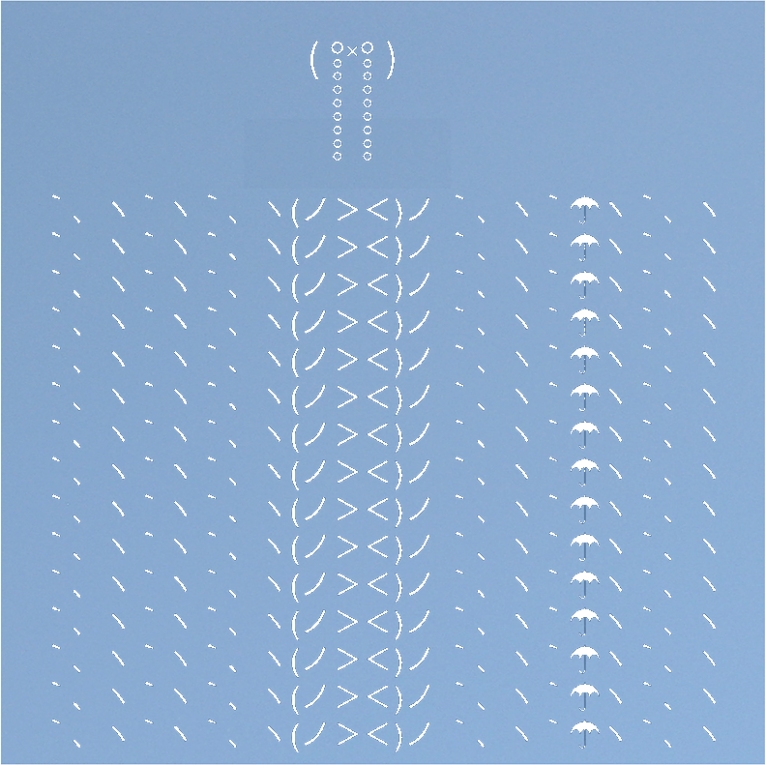
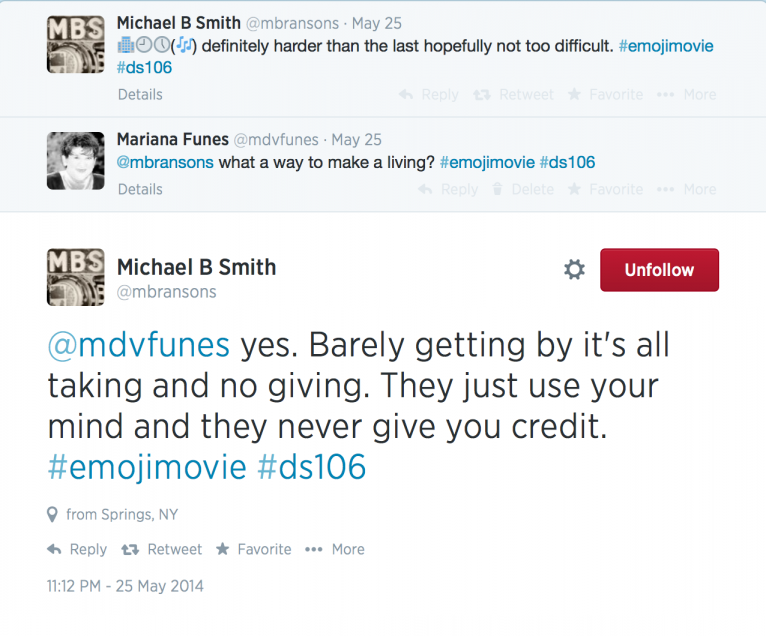
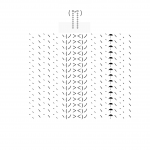
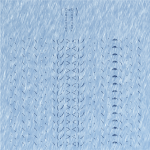
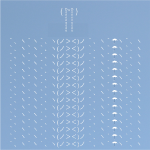

So, we have been playing #emojimovie over on Twitter.
That led to a Daily Create asking us to make an emoji poster movie. I have been pondering on what to do and how to do it. I decided to play with minimalist posters and find a way to depict my favourite movie in Emoji.
I do not like emoji much and much prefer Japanese emoticons. They work horizontally rather than vertically and I like the creativity within constraints they demonstrate. So I cheated. I used 2 the one for ‘crying’ and the one for ‘catching an umbrella in the rain’ on several lines underneath. I positioned the crying one at the top so that his tears disappear in the rain…
I wanted a background that was ‘like rain’ and that was harder than I thought in Photoshop. I needed a tutorial.
I then played with Photoshop and made various versions – my favourites in this post. I cannot yet decide which one will be submitted to the Daily Create. I think the rain effect needed to be a night time rain effect to give it a darker look. Not today.
And good luck guessing the movie!
Can you guess?




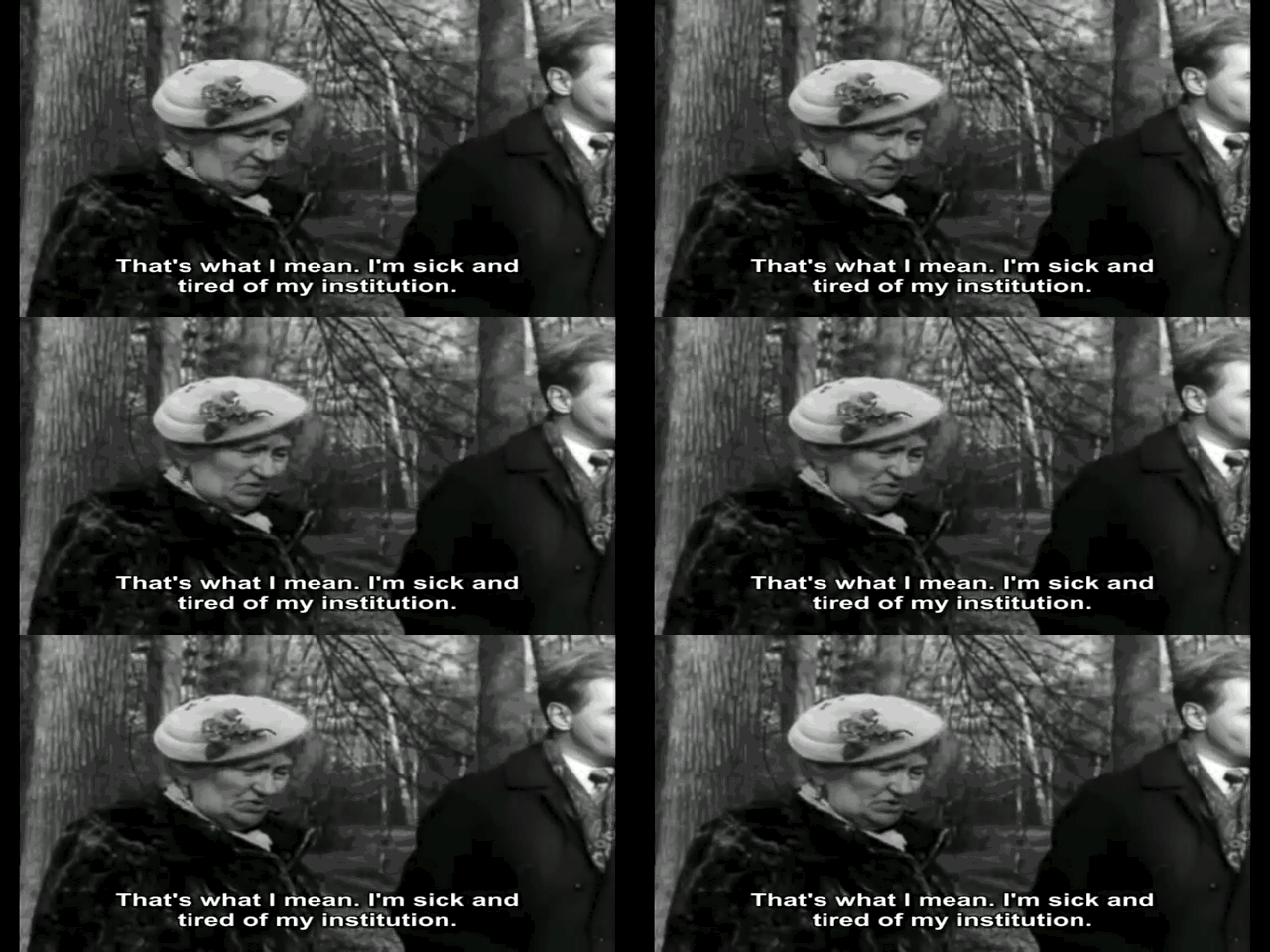
A gif that highlights the importance of training the mind to be selective and purposeful!
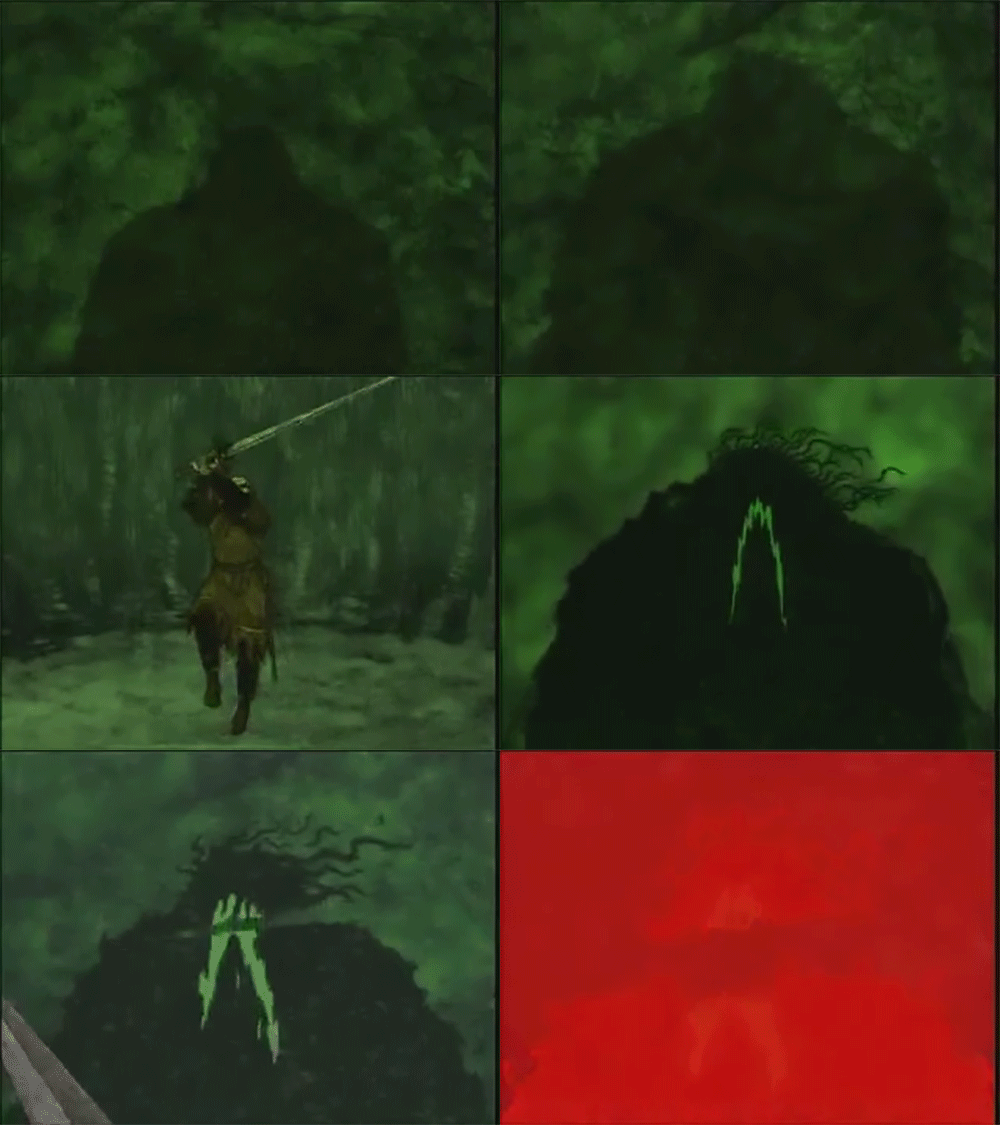

Animated gif by @gifadog source video: Beowulf Animated (1998)
Made to support #HEAmonsters conference presentation by @mdvfunes “Wrestling your Inner MOOC” .
Vi Hart on Net Neutrality debate as she explains the key issues using a metaphor about postal delivery. Read her blog post for script and key links to act now!

source: http://bionicteaching.com/?attachment_id=3735


Geek Meditation
Remixed from cc by image: http://www.podar.org/CBSE-Nagpur/images/sportsicon/yoga.png
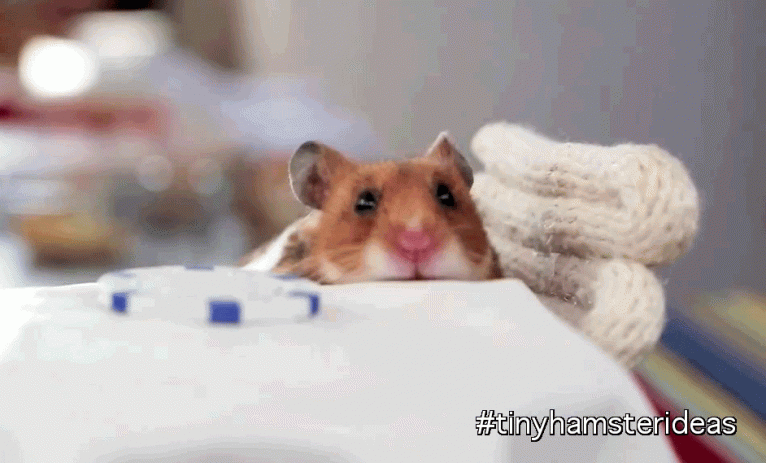
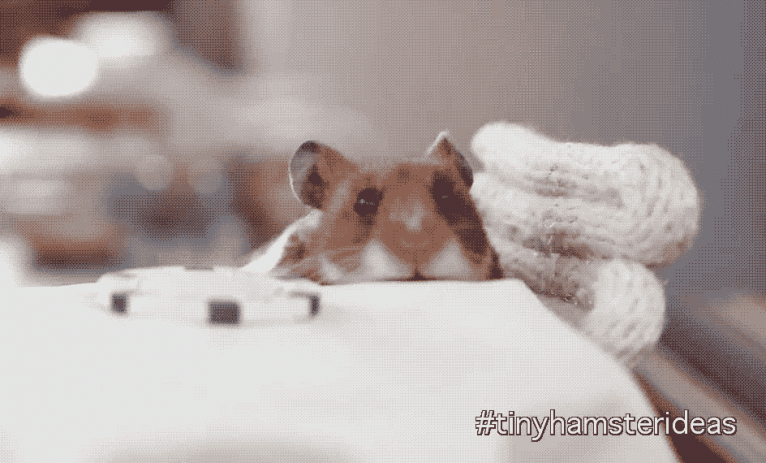


What do you want to see in the next episode? #tinyhamsterideas
Adding to the Shallows, may the Internet forgive me for behaving like a pancake person. I have fallen in love with the tiny hamsters. I cannot stop laughing at the video and wondering who oh who had the idea to make it?
And I had to capture the tiny moment of the tiny hamster finding that first burrito in a gif. Usual workflow: Download, trim, into Photoshop, play with it until satisfied. Most of the time was spent finding the moment I wanted to trim.
C’mmon! Let’s play. What do you want to see in the next episode?
A warning: This game will only make sense to DS106 participants
The daily create yesterday asked us to:
Design and draw your own board game about DS106.
I set out to do it for Ben the son of one of our hashtag classroom DS106 participants.
I started looking for a template for Connect 4 that was going to become Connect 106. Lost in the google for hours: Millionshort search, Duck Duck Go and more. Eventually I found this resource of templates for games if you are short of ideas there is a little treasure in there. A little dated perhaps, but fun. The editable template for this game is there and I downloaded it.
It was meant to be a quick cut and paste job. Well, it wasn’t.
I created the game from the template. It seemed meh in Powerpoint. Ah! I could make a movie. Then, Ben and Family could sit and play it just using the pause button. I did a screencast with QuickTime. Sound was off, looked terribly unfinished. Perfectionism won.
I will do a quick fix in iMovie. That was yesterday afternoon. Since then, I have been through different versions, new music to make new soundtrack, a DS106 Radio surprise was added at the end and Boom! Now it is ready for use. iMovie was not playing ball and I tried to edit a version ( just trimming) on YT editor yesterday only to wake up this morning with the thing stuck and still processing. Note to self – don’t do that again.
Without further ado, I give you:
WHO WANT TO BE #4LIFE?
And here are the rules:
Rule 1. Lots of ice-cream (or other favourite food) for Ben before playing
Rule 2. Lots of beer for the grown ups before playing
Have Fun, Ben!
Update: Some people asked about playing the game and all I have is the Powerpoint presentation. I have uploaded it to SlideShare.
Copyright © 2026 DS106 on the couch
Theme by Anders Noren — Up ↑